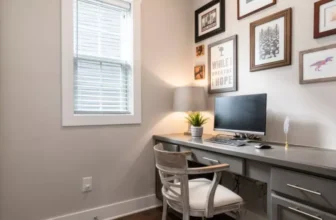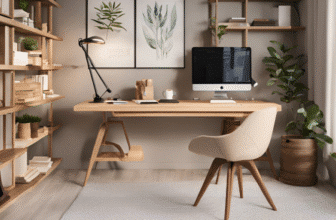

When working remotely, your home office design plays a crucial role in your productivity and well-being. Imagine having a workspace that not only supports your physical comfort but also boosts your creativity and focus throughout the day. By incorporating simple yet effective design tips, you can transform your home office into a sanctuary that enhances your remote work experience. So, what are some key elements that can elevate your workspace and make it a place where you thrive?
Ergonomic Furniture Setup
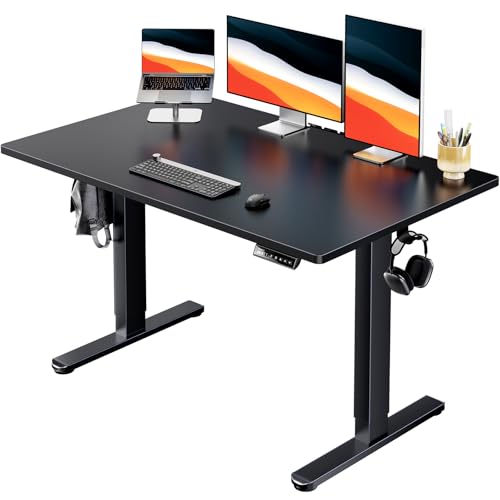
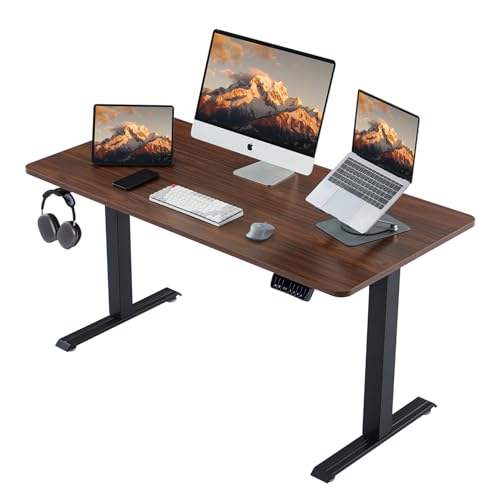
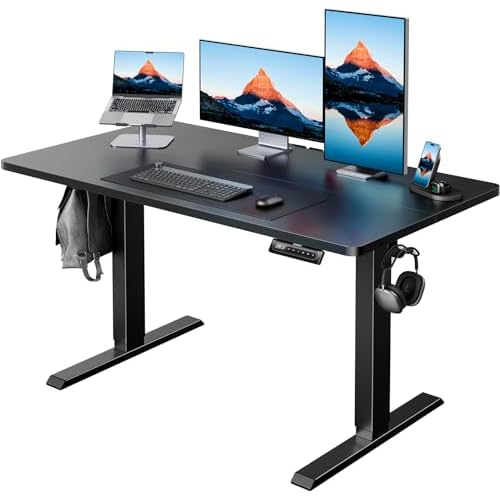
To create a comfortable and efficient workspace, ensure your ergonomic furniture is properly set up. Start by adjusting your chair so that your feet rest flat on the floor and your knees form a 90-degree angle. This position helps reduce strain on your lower back. Position your computer screen at eye level to avoid neck strain; use a monitor riser if needed. Your keyboard and mouse should be at a height where your elbows form a 90-degree angle, allowing for relaxed shoulders and wrists. Consider investing in a supportive chair with adjustable armrests to maintain proper posture and reduce the risk of discomfort.
Additionally, organize your desk so that frequently used items are within arm’s reach to minimize excessive stretching or reaching. Keep your desk clutter-free to enhance focus and productivity. Remember to take short breaks to stretch and move around to prevent stiffness. By setting up your ergonomic furniture correctly, you can create a workspace that promotes comfort, efficiency, and overall well-being.
Maximizing Natural Light
Ensure your home office is flooded with natural light by strategically placing your desk near windows or using sheer curtains to allow sunlight to brighten your workspace. Natural light not only enhances your mood and productivity but also reduces eye strain and fatigue. Position your desk perpendicular to the windows to minimize glare on your computer screen while still benefiting from the natural light.
To maximize the amount of sunlight entering your office, keep windows clean and free of obstructions. Consider using light-colored or reflective surfaces in your workspace to bounce the natural light around the room. Additionally, strategically placing mirrors can help amplify the brightness in the space.
If your home office lacks sufficient natural light, consider investing in full-spectrum lighting that mimics natural sunlight. This type of lighting can help regulate your circadian rhythm and improve your overall well-being. Remember, a well-lit workspace can significantly impact your productivity and overall comfort during remote work.
Personalizing Your Workspace
Consider incorporating personal touches into your workspace to create a comfortable and inspiring environment for remote work. Personalizing your workspace can help boost your mood and productivity. Start by adding items like photos of loved ones, artwork that inspires you, or plants to bring life into the space.
Choose colors that resonate with you; they can influence your emotions and energy levels. A cozy blanket or a favorite mug can also make your workspace feel more inviting.
Including elements that reflect your interests and personality can make your home office a place where you feel motivated and at ease. Displaying meaningful items like souvenirs from past travels or awards can serve as reminders of your achievements and experiences.
Organize your space in a way that feels functional and visually appealing to you. By personalizing your workspace, you can create a work environment that not only enhances your productivity but also makes you feel happy and comfortable throughout your workday.
Organizing Digital and Physical Clutter
Declutter your digital and physical space to optimize your home office for a more organized and efficient work environment. Start by organizing your digital files into folders on your computer. Create separate folders for different projects or categories to easily locate documents when needed. Delete any unnecessary files or emails to free up digital space and reduce clutter.
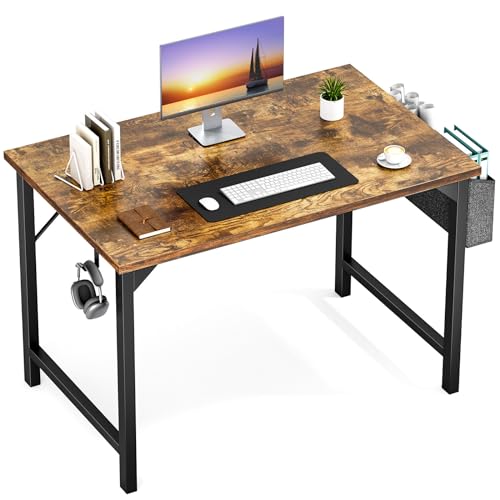
For physical clutter, invest in storage solutions like shelves, bins, or filing cabinets to keep your workspace tidy. Sort through papers and only keep essential documents within arm’s reach. Use desk organizers for pens, notepads, and other supplies to prevent them from cluttering your desk.
Implement a routine to declutter regularly, whether it’s organizing your desktop at the end of each workday or setting aside time each week for a quick tidy-up. By maintaining a clutter-free workspace, you’ll reduce distractions, increase productivity, and create a more conducive environment for focused work.
Trending Products